🚔 TSLPRB 2026 ఆన్లైన్ దరఖాస్తు ఎలా చేయాలి?
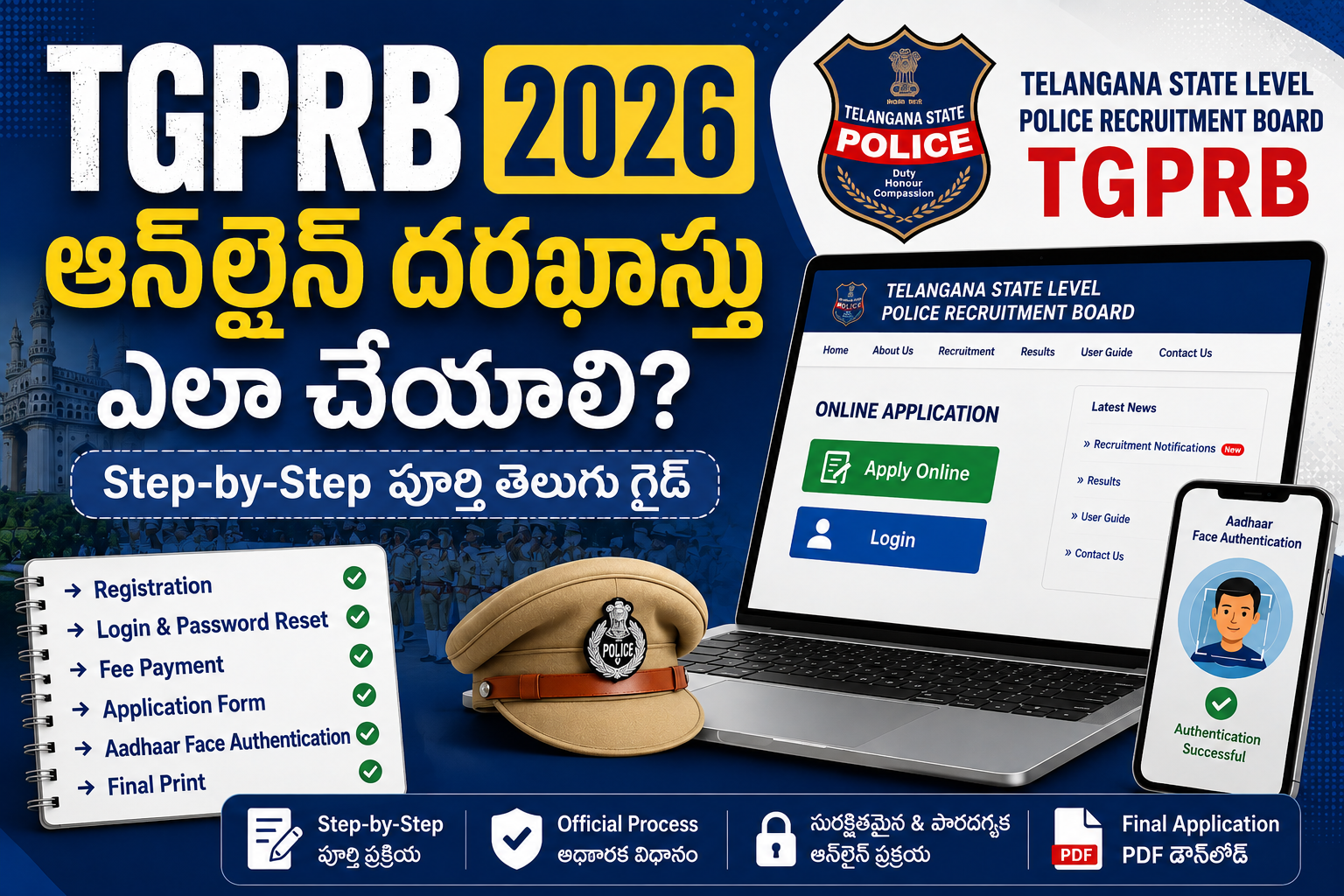
🚔 TSLPRB 2026 ఆన్లైన్ దరఖాస్తు ఎలా చేయాలి?
Registration నుంచి Aadhaar Face Authentication వరకు పూర్తి Step-by-Step Guide
TSLPRB 2026కి సంబంధించిన Registration Form మరియు Online Preliminary Application Form (Part-I) ఎలా పూర్తి చేయాలో Telangana State Level Police Recruitment Board విడుదల చేసిన User Guide ఆధారంగా ఈ పూర్తి తెలుగు గైడ్ను రూపొందించాం.
🟨 ముఖ్య గమనిక: దరఖాస్తు ప్రక్రియలో ఏదైనా తాజా మార్పు ఉంటే TSLPRB అధికారిక వెబ్సైట్లో ఇచ్చిన తాజా సూచనలనే అనుసరించాలి.
1️⃣ TSLPRB Websiteలో Apply Online క్లిక్ చేయండి
ముందుగా https://tgprb.in వెబ్సైట్ను ఓపెన్ చేసి Apply Online పై క్లిక్ చేయాలి.

పై screenshotలో: TSLPRB websiteలో Apply Online option ఎక్కడ ఉందో చూపించబడింది.
2️⃣ ఇప్పటికే Registration ఉందా? కొత్తగా Registration చేయాలా?
Apply Onlineపై క్లిక్ చేసిన తర్వాత Registration screen కనిపిస్తుంది.
- ఇప్పటికే Registration చేసుకుని ఉంటే Yes, I have క్లిక్ చేయాలి.
- మొదటిసారి Registration చేస్తున్న అభ్యర్థులు No, Register క్లిక్ చేయాలి.

Registration Formలో SSC Hall Ticket Number, Year of Passing, Community, Candidate Name, Mobile Number, Date of Birth, Email ID, Gender తదితర వివరాలను నమోదు చేయాలి.
3️⃣ Registration Formను జాగ్రత్తగా Submit చేయండి
Registration Formలో అన్ని వివరాలను పూర్తి చేసిన తర్వాత Submit buttonపై క్లిక్ చేయాలి.
Submit చేయడానికి ముందు అన్ని వివరాలను మరోసారి verify చేయాలి. ఒకసారి Registration Form Submit చేసిన తర్వాత ఎలాంటి modifications అనుమతించబడవని User Guide స్పష్టంగా పేర్కొంది.
తర్వాత Registered Mobile Number లేదా Email IDకి OTP వస్తుంది. OTPను నమోదు చేసి Verify చేయాలి. Verification పూర్తయిన తర్వాత Proceed to Login ద్వారా Login pageకి వెళ్లవచ్చు.
🔴 ముఖ్యమైన జాగ్రత్త: పేరు, Date of Birth, Mobile Number, Email ID వంటి వివరాలను Submit చేసే ముందు తప్పనిసరిగా సరిచూసుకోండి.
4️⃣ Login చేసి Password Reset చేయండి
మొదటిసారి Login చేసేటప్పుడు Registered Mobile Numberను ఉపయోగించాలి.
User Guide ప్రకారం మొదటిసారి Login కోసం Default Passwordగా Date of Birthను DDMMYYYY formatలో ఉపయోగించాలి.
ఉదాహరణ: 28-05-1991 → 28051991
Login తర్వాత Reset Password pageలో:
- Current Password
- New Password
- Confirm New Password
వివరాలను నమోదు చేసి Submit చేయాలి.

Password reset చేసిన తర్వాత మళ్లీ Sign in చేయాలి. ఆ తర్వాత Fee Payment Pageకి వెళ్తారు. Paymentను Debit Card, Credit Card, Net Banking లేదా UPI ద్వారా చేయవచ్చు.
5️⃣ మీకు అర్హత ఉన్న Postలను Select చేయండి
Fee Payment Pageలో మీ Eligibilityకి అనుగుణంగా అవసరమైన Post(s)ను Select చేసి Continue to Pay buttonపై క్లిక్ చేయాలి.
User Guideలో చూపించిన Registration Fees
| Post | Registration Fee |
|---|---|
| SCT PC Civil & Equivalent | ₹1,200 |
| SCT SI Civil & Equivalent | ₹1,500 |
| SCT PC Tech & Equivalent | ₹1,200 ప్రతి Postకు |
| SCT ASI FPB | ₹1,500 |

గమనిక: పై Fee వివరాలు PDFలోని Post Selection screenలో చూపించిన వివరాల ఆధారంగా ఇవ్వబడ్డాయి.
6️⃣ Fee Payment పూర్తి చేయండి
Payment Gatewayలో అందుబాటులో ఉన్న payment optionను ఎంచుకోవాలి:
- Credit Card
- Debit Card
- Internet Banking
- UPI
- ఇతర అందుబాటులో ఉన్న options
తర్వాత Make Paymentపై క్లిక్ చేయాలి.
⚠️ Payment సమయంలో Back లేదా Refresh buttonలను క్లిక్ చేయవద్దు. Payment Successful message వచ్చే వరకు వేచి ఉండాలి.

Payment successful అయిన తర్వాత Continue to Application Form button కనిపిస్తుంది.
7️⃣ Online Application Formను పూర్తి చేయండి
Payment విజయవంతమైన తర్వాత Continue to Application Formపై క్లిక్ చేస్తే Online Application Formకి వెళ్తారు.
Application Formలో ప్రధానంగా:
- Written Examination Medium
- Candidate Name
- Father’s Name
- Mother’s Name
- Gender
- Aadhaar Number
- Date of Birth
- Community
- Caste
- Mobile Number
- Alternate Mobile Number
- Email ID
- SSC Roll Number
- Local Candidate వివరాలు
- Examination District Preferences
- Ex-Servicemen Details
- Home Guard Details
- Communication Address
వంటి వివరాలను నమోదు చేయాలి.

📌 Photo & Signature
Application Formలో Photo with Signature upload చేయాల్సి ఉంటుంది. User Guideలో చూపించిన ప్రకారం photo/signature upload సంబంధిత సూచనలను screenలో ఉన్న specifications ప్రకారం పాటించాలి.
8️⃣ Application Form Submit చేసే ముందు Verify చేయండి
అన్ని వివరాలను పూర్తి చేసిన తర్వాత Proceed to Next Pageపై క్లిక్ చేయాలి.
Submit చేసే ముందు Application Formలోని అన్ని వివరాలను పూర్తిగా verify చేయాలి.
ఒకసారి Submit చేసిన తర్వాత modifications అనుమతించబడవు.
తర్వాత selected Post(s)కు సంబంధించిన Educational Qualificationsను select చేసి, అన్ని Declaration check boxesను select చేసి I AGREEను ఎంచుకుని Submit చేయాలి.
🔴 Submit చేసే ముందు మాత్రమే తప్పులను సరిచేసుకునే అవకాశం ఉంటుంది. కాబట్టి ఈ దశలో చాలా జాగ్రత్తగా ఉండాలి.
9️⃣ Educational Qualification + OTP Verification
Educational Qualification detailsను Submit చేయడానికి ముందు మరోసారి verify చేయాలి.
అన్ని వివరాలు సరైనవిగా ఉంటే Get OTP buttonపై క్లిక్ చేయాలి.
Registered Mobile Number లేదా Email IDకి వచ్చిన OTPను నమోదు చేసి OK చేయాలి.

Application Form successfully save అయిన తర్వాత Verify with Aadhaar Face Authentication అనే option వస్తుంది.
🔟 Aadhaar Face Authentication ప్రారంభించండి
Verify with Aadhaar Face Authentication buttonపై క్లిక్ చేయాలి.
తర్వాత screenపై ఒక QR Code కనిపిస్తుంది.
ఈ QR Codeను mobileలోని Aadhaar App ద్వారా scan చేయాలి.
1️⃣1️⃣ Aadhaar Appలో QR Code Scan చేయండి
Mobileలో Aadhaar Appను ఓపెన్ చేయాలి.
అందులో QR Code optionను select చేసి TSLPRB websiteలో కనిపిస్తున్న QR Codeను scan చేయాలి.
Scan చేసిన తర్వాత Aadhaar Appలో వచ్చే screenలో Continue buttonపై క్లిక్ చేయాలి.

1️⃣2️⃣ Aadhaar Sharingను Approve చేయండి
QR Code scan చేసిన తర్వాత Aadhaar Appలో Telangana Police verification request కనిపిస్తుంది.
అక్కడ Approve buttonపై క్లిక్ చేయాలి.
తర్వాత Continue to Face Verification buttonను select చేయాలి.

1️⃣3️⃣ Face Authentication పూర్తి చేయండి
Aadhaar Appలో కనిపించే సూచనల ప్రకారం Face Authentication పూర్తి చేయాలి.
Face Authentication విజయవంతంగా పూర్తయిన తర్వాత Aadhaar details Telangana Policeతో successfully shared అయినట్లు confirmation screen కనిపిస్తుంది.

1️⃣4️⃣ Aadhaar Detailsను Application Formతో Verify చేయండి
Aadhaar Appలో “Aadhaar shared successfully” message వచ్చిన తర్వాత TSLPRB websiteలో సూచించిన Click here buttonపై క్లిక్ చేయాలి.
తర్వాత Application Formలోని వివరాలు మరియు Aadhaarలోని వివరాలు screenపై కనిపిస్తాయి.
- వివరాలు సరైనవైతే OK క్లిక్ చేయాలి.
- వివరాలు మీకు సంబంధించినవి కాకపోతే Cancel క్లిక్ చేయాలి.
1️⃣5️⃣ Filled Application Formను Download చేసుకోండి
చివరగా Print buttonపై క్లిక్ చేసి Filled-in Online Application Formను download చేసుకోవచ్చు.
మీరు apply చేసిన ప్రతి Postకు సంబంధించిన formను respective Post button ద్వారా download చేసుకోవచ్చు.
User Guide ప్రకారం ప్రతి Postకు సంబంధించిన PDFను download చేసి printout తీసుకుని recruitment process పూర్తయ్యే వరకు భద్రపరచాలి.

✅ TSLPRB 2026 Application – Quick Checklist
☑️ Registration Submit చేసే ముందు అన్ని personal details verify చేయండి.
☑️ Registered Mobile Number / Email ID అందుబాటులో ఉంచండి.
☑️ OTPలను సరిగ్గా నమోదు చేయండి.
☑️ Payment సమయంలో Back / Refresh చేయవద్దు.
☑️ Application Form Submit చేసే ముందు Educational Qualifications మరియు ఇతర వివరాలను పూర్తిగా verify చేయండి.
☑️ Declaration check boxes అన్నీ అవసరమైన విధంగా select చేయండి.
☑️ Aadhaar Face Authentication కోసం Aadhaar Appను ఉపయోగించండి.
☑️ QR Codeను scan చేసి Approve → Continue to Face Verification → Face Authentication ప్రక్రియను పూర్తి చేయండి.
☑️ Aadhaar మరియు Application Form details సరైనవో verify చేయండి.
☑️ చివరగా ప్రతి applied Postకు సంబంధించిన Filled Application Form PDFను Download చేసి Printout తీసుకుని భద్రపరచండి.
📌 Source
Telangana State Level Police Recruitment Board (TSLPRB) – User Guide to fill the Registration Form and Online Preliminary Application Form (Part-I).